
How to Achieve the Perfect Look for Your Digital Content: Color Grading Tips


Understanding Color Grading Basics
Color grading is an essential aspect of digital content creation that can significantly impact the overall look and feel of your project. It involves adjusting the colors in your images or videos to create a specific mood or aesthetic. With the right techniques, you can transform ordinary content into visually stunning masterpieces. Whether you're creating content for social media, marketing campaigns, or personal projects, mastering color grading can make your visuals stand out.

Before diving into advanced techniques, it's crucial to understand the basic principles of color grading. Start by familiarizing yourself with color theory and how different colors interact with each other. This foundational knowledge will help you make informed decisions when adjusting hues, saturation, and contrast.
Choosing the Right Software
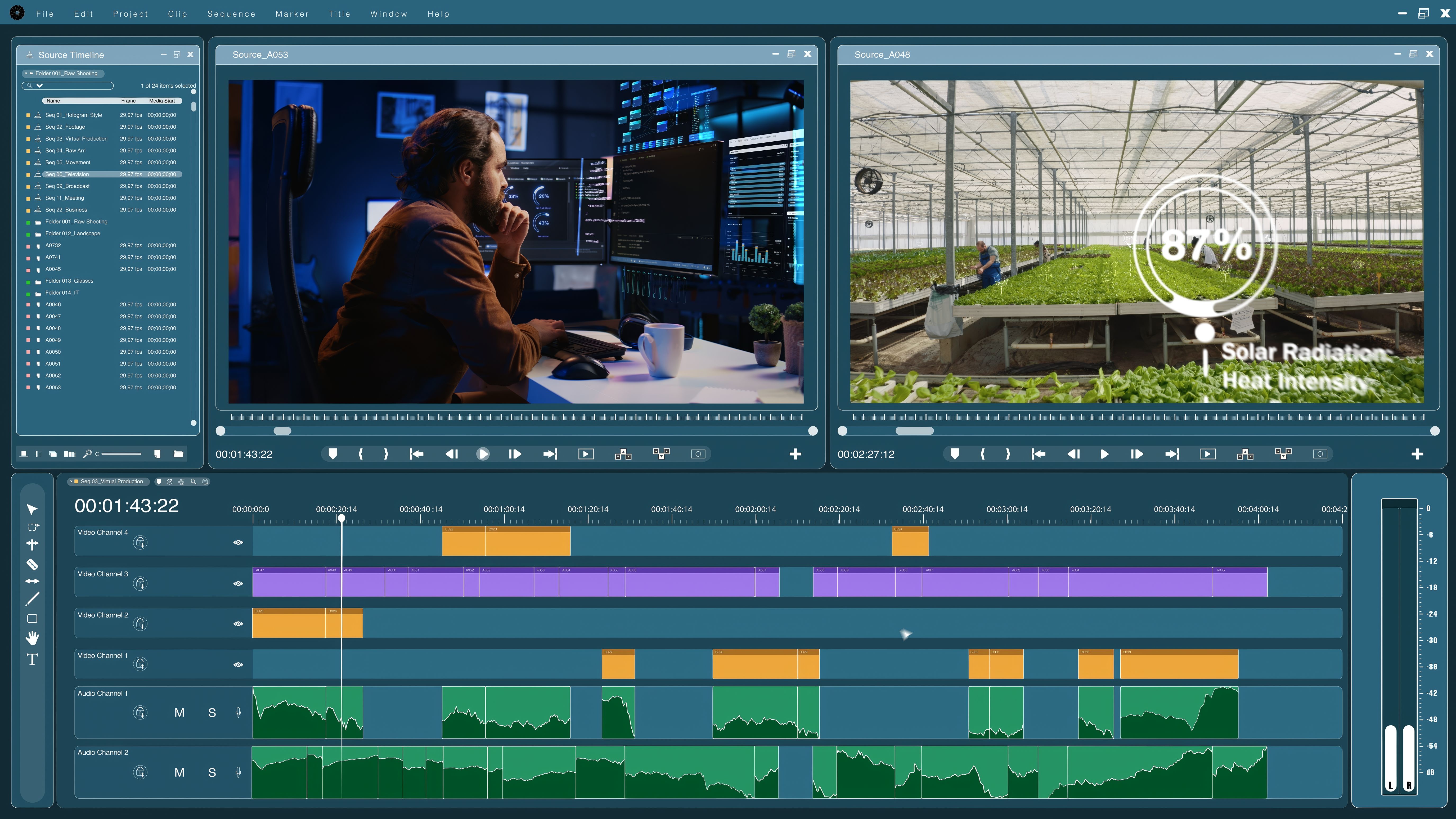
There are several color grading software options available, each with its own set of features and capabilities. Popular choices include Adobe Premiere Pro, DaVinci Resolve, and Final Cut Pro. When selecting a program, consider your specific needs and skill level. Some tools offer more advanced features, while others are user-friendly and perfect for beginners.
Once you've chosen your software, take the time to explore its interface and features. Many platforms offer tutorials and guides to help you get started. Familiarizing yourself with the tools at your disposal will enable you to work more efficiently and creatively.
Mastering Color Correction
Before you begin color grading, you need to perform color correction. This step involves adjusting the colors in your footage to achieve a neutral baseline, ensuring that skin tones look natural and that there are no unwanted color casts. Start by adjusting the white balance, exposure, and contrast.
Color correction sets the stage for creative color grading, allowing you to apply stylistic adjustments without compromising the visual integrity of your content. Pay close attention to shadows, mid-tones, and highlights to achieve a balanced look.
Applying Creative Color Grading
Once your footage is color-corrected, you can move on to the fun part: creative color grading. This is where you can experiment with different color palettes to convey emotions or themes. Consider using LUTs (Look-Up Tables) for quick and consistent color grading. LUTs are pre-defined color profiles that can be applied to your footage with a single click.
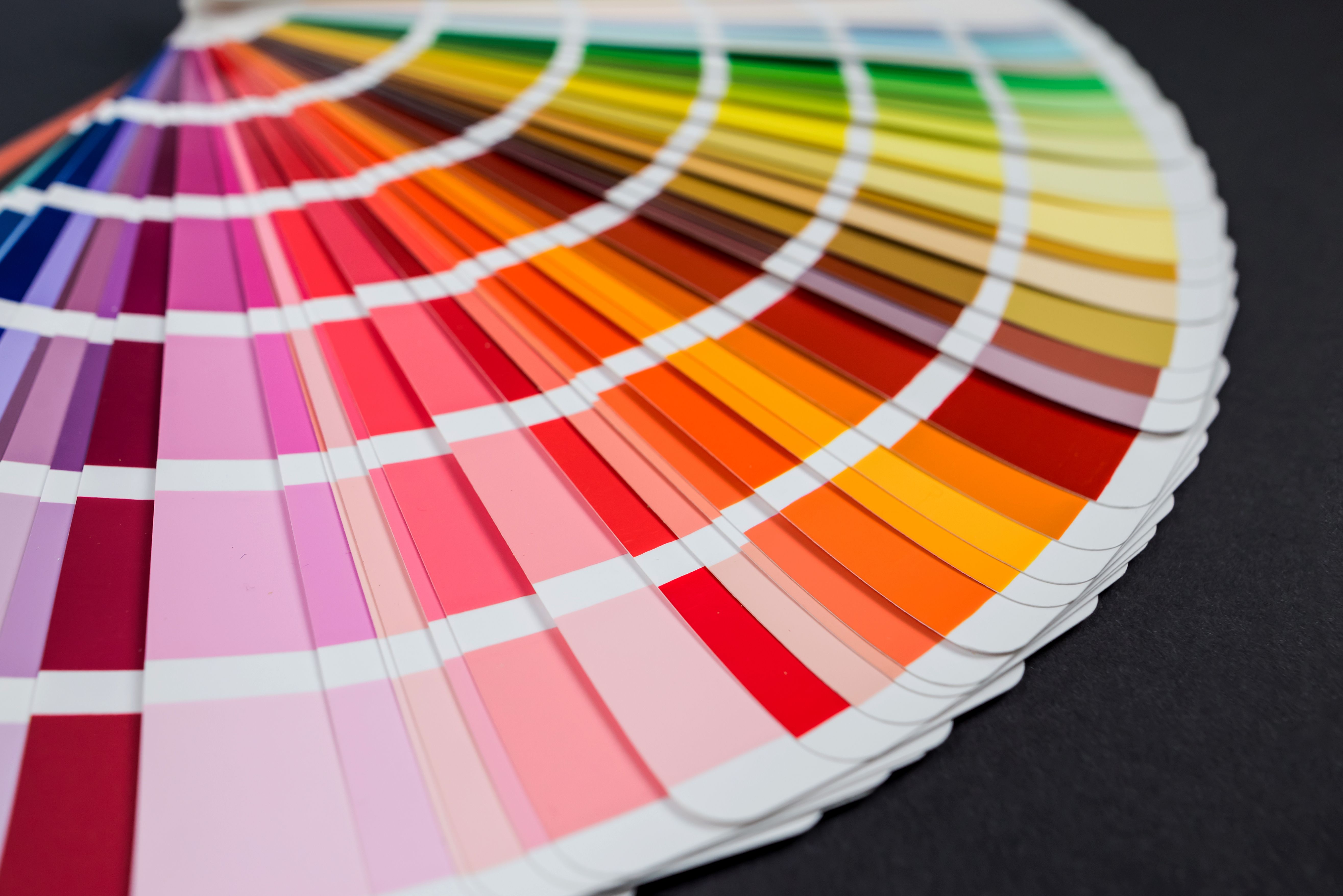
When applying creative color grading, think about the mood you want to evoke. Warm tones can create a sense of coziness and nostalgia, while cooler tones may convey mystery or sadness. Don't be afraid to experiment and develop your unique style.
Tips for Consistency and Cohesion
Maintaining consistency across your digital content is crucial, especially if you're working on a series or a brand campaign. Use reference images or videos to ensure that each piece of content aligns with your desired aesthetic. Consistency helps build brand identity and makes your content instantly recognizable.
Pay attention to the details and ensure that your color grading is cohesive across different scenes and shots. Small adjustments can make a big difference in achieving a polished and professional look.
Finalizing and Exporting
Once you're satisfied with your color grading, it's time to finalize and export your project. Double-check your work for any inconsistencies or errors. Make sure to export in the highest quality possible to preserve the integrity of your colors.
Color grading is an ongoing learning process, and with practice, you'll develop a keen eye for detail and aesthetics. Remember to keep experimenting, stay inspired, and most importantly, enjoy the creative journey.